
Everyone has a story.
Now there’s an easy way to tell it.
Pick up an old photo, snap a picture of it, and talk. Memory Companion listens, asks the kind of questions a curious friend would, and writes what you tell it into a beautifully written page of your life story, with the photo right there on it. No writing, no preparation, just talking.
See how it works: You’re Not Just Talking — You’re Writing a Book →
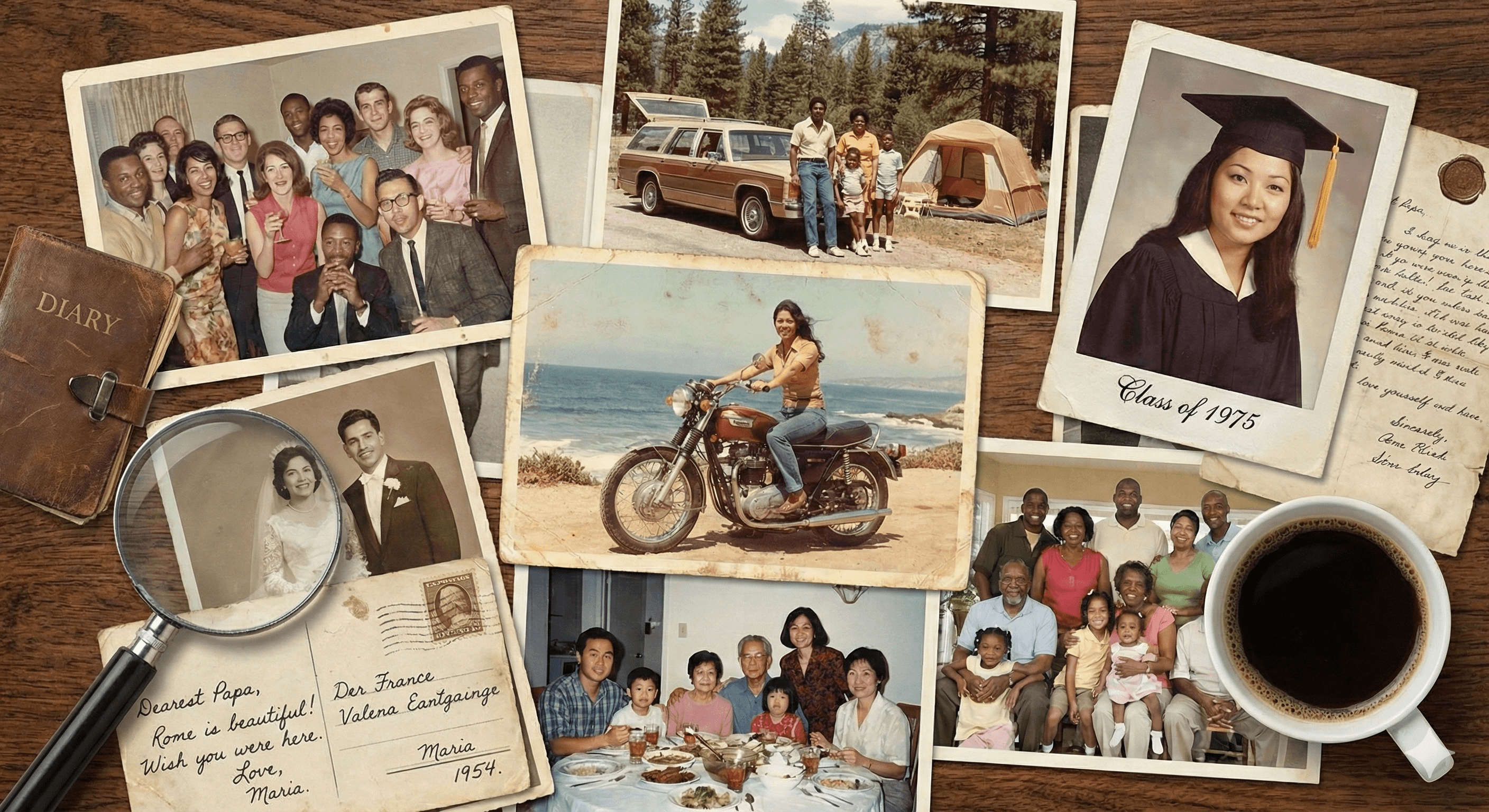
Somewhere in a drawer there’s a box of photos only you can explain. The wedding that almost got rained out. The car that cost 300 dollars and broke down on the way home. What if saving those stories was as easy as talking about them?
Memory Companion makes it that simple. Start with one photo and a few minutes of talking. Your story takes shape one page at a time.
Three simple steps
No typing. No tech skills. Just a warm conversation.
Start with a photo, or just start talking
Grab a photo that makes you smile and snap a picture of it with your phone. Or skip the photo and answer the app’s first question instead. Either way, there’s nothing to prepare.
It asks follow-ups
The app is honestly curious. Who’s in the picture? What happened just before it was taken? What happened right after? The details come out on their own.
Pages become chapters
Your words become beautifully written prose, with your photos placed right where they belong in the story. Over time, the app helps organize everything into chapters that read like a real memoir. Ready to share, print, or keep.
You talk about a photo.
It becomes a page.
This page started with one old photo and a two-minute conversation. Memory Companion looked at the picture, asked a few gentle questions, and wrote the story down in your own voice, photo included.
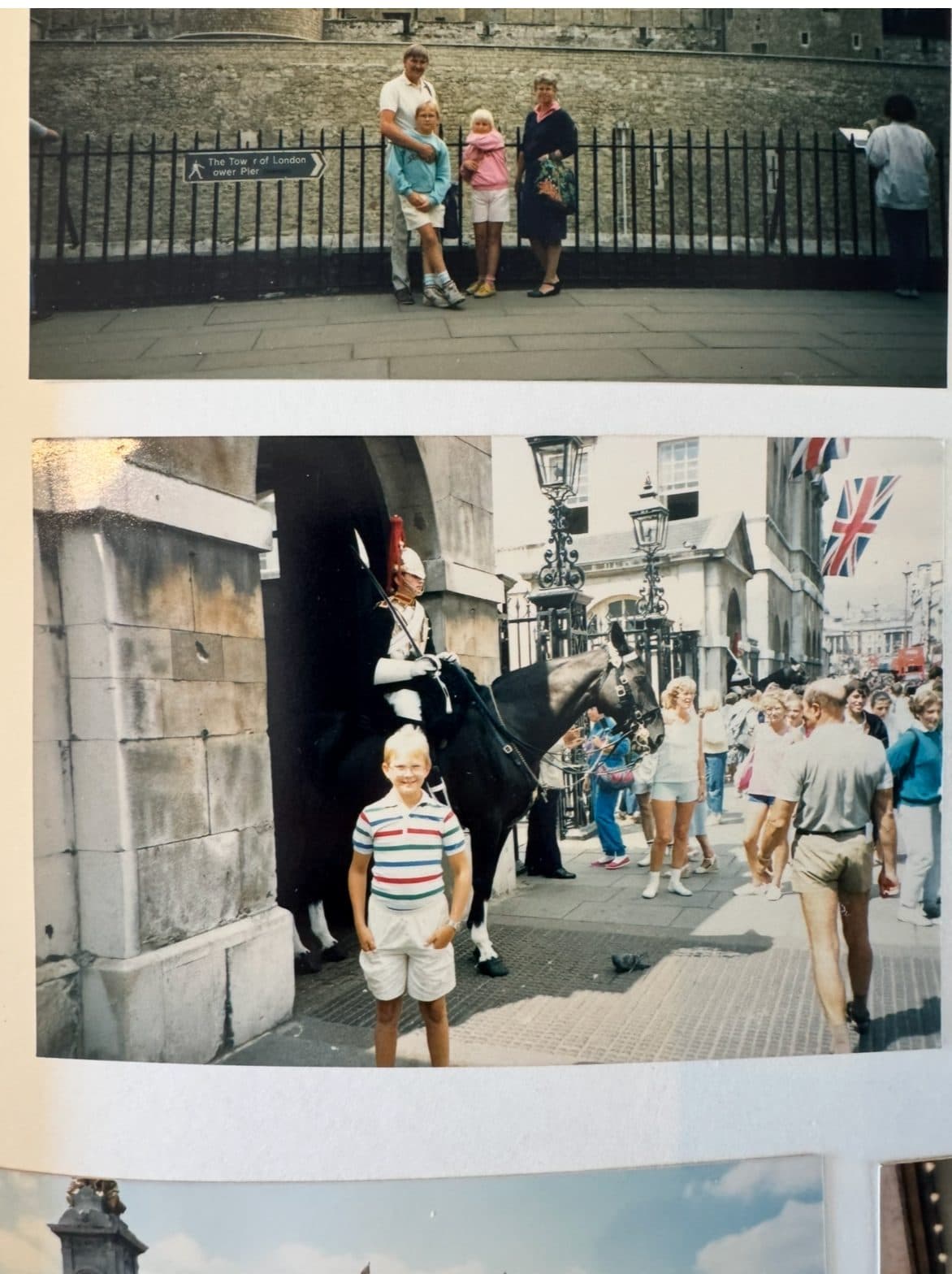
“My dad always walked around with a bag with everybody’s passports and money in it. Running joke now is he was just making it easy for someone to rob him.”
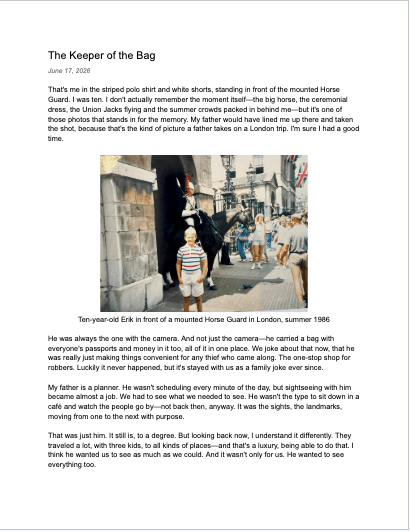
An example of the kind of page Memory Companion creates from a photo and a conversation.
Like talking to a friend who never forgets
You don’t need to be good with technology. You don’t need to prepare anything. Just start talking — the app takes care of the rest.
- Voice-first — speak naturally, no typing needed
- No preparation needed — no outline, no notes, no plan. The app asks the questions and builds the structure over time.
- Photos welcome: snap a picture of an old photo, talk about it, and it appears in your book with the story beneath it
- Sessions as short as 5 minutes
- Remembers where you left off
- Works on phone, tablet, or computer
Fail, Try Again
I wanted to learn to juggle a football, keep it in the air by myself. I started at one or two. Then I stood in the garden all day until I could do a hundred. Fail, try again, fail, try again. That was just how I was built. We had a big garden at our house growing up. I’d spend hours out there: tennis against the neighbor’s garage wall, football, whatever I felt like. Always alone, always pushing to get better. Not because anyone was watching. It was for me.
Privacy built in from the start
These are your most personal stories. We treat them that way.
Stored in your Google Drive
Your stories live in your own Google Drive account — not on our servers. You own your data, always. If you stop using the app, your stories stay with you.
Nothing personal on our servers
We don’t store your stories, names, or personal details in our database. We only keep the minimum needed to make the app work.
No one reads your stories
Your conversations and memoir chapters are between you and the app. We never read, share, or use your personal stories for any purpose.
Made for families, not investors
This started as a project to help my own parents write their memoirs. There’s no ad-driven business model here. Your trust matters more to us than anything.
Meet the Founder
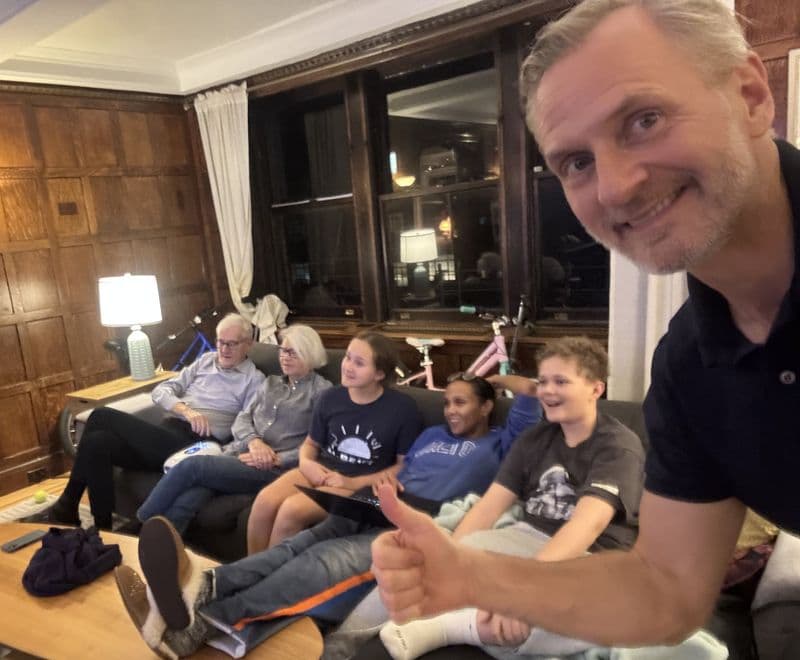
My name is Erik Ulin. I’m a Swede who’s been a New York transplant for about 20 years now, living with my wife, our two kids, and our stubborn but sweet dog Tammy. In what free time I can find, I run and train for marathons, play tennis, and love cooking and hanging out with family and friends.
I built Memory Companion as a passion project to help my parents with their creative endeavors — writing their memoirs. It’s something I’ve explored myself too, and I find it both fun and genuinely helpful.
I hope you do too.
Everything you might be wondering
Not at all. Memory Companion is voice-first — you just talk. There’s no typing, no complicated menus, no settings to figure out. The app asks a question, you answer by speaking, and it handles everything else. We designed every screen to be clear, simple, and easy to follow, with large text and obvious buttons.
As short as 5 minutes or as long as you’d like. The app always remembers where you left off, so you can stop at any time and pick up right where you were. There’s no pressure and no deadlines — it works at your pace.
Not at all. You don’t need notes, an outline, or any idea of where to start. The app opens with a question and follows wherever you go — like a conversation that finds its own direction. After a few sessions, it helps you organize what you’ve told into chapters. Some people like to set up a structure first, and the app supports that too. But most people just start talking.
Yes, and it’s one of the nicest ways to start. During a conversation you can snap a picture of an old photo, or upload one already on your phone. The app looks at it, asks you about it, and places it in your book right where the story is told. A photo album is wonderful source material: open a page, pick a picture, and start talking.
We made a deliberate choice: your stories should belong to you, not to us. By connecting a Google account, your memoir and all your personal content are saved directly to Google Drive — a place you already own and control. We never store your stories on our servers. If you ever stop using Memory Companion, your stories are still there, safe and yours.
Memory Companion is currently in free beta while we’re building and improving the experience with real people. We’ll always be upfront about pricing before anything changes, and early users will be the first to know.
Yes, Memory Companion uses AI to guide conversations and write memoir prose. Think of it as a patient, thoughtful interviewer — it asks questions, listens carefully, and turns your spoken words into written stories. Your personal data stays in your Google Drive, not in the AI’s memory. The AI is a tool, like a skilled ghostwriter, working with your stories to create something beautiful.
Absolutely. Many people get started by helping a family member — a parent, a grandparent, or a partner. You can help them sign in with their Google account, walk them through the brief intro conversation, and then they’re ready to go on their own. Some families even make the first session a shared activity.
Your story is worth telling.
Let’s get it started.
If you’re ready, you can get started right now. Your first conversation takes about five minutes — and after that, your memoir is already underway.
Want to see the full picture? Read: You’re Not Just Talking — You’re Writing a Book →
Want to set it up for someone else? Read: Hey Mom, Try This →
Not ready to start just yet?
Get a short guide on how it works and what to expect.
We’ll only use this to send you the guide. No spam, ever.